XGlass 1.0 — for Unity 6.3+
Glass for UI Toolkit.
XGlass adds glass to Unity's UI Toolkit. A glass element bends, blurs and tints whatever is behind it, lights its rim and casts a soft shadow. Glass in a group melts together where pieces come close.
Drag the lens. It's a WebGL sketch of the effect; everything below is XGlass in Unity.
Screenshots
Captured in Unity.
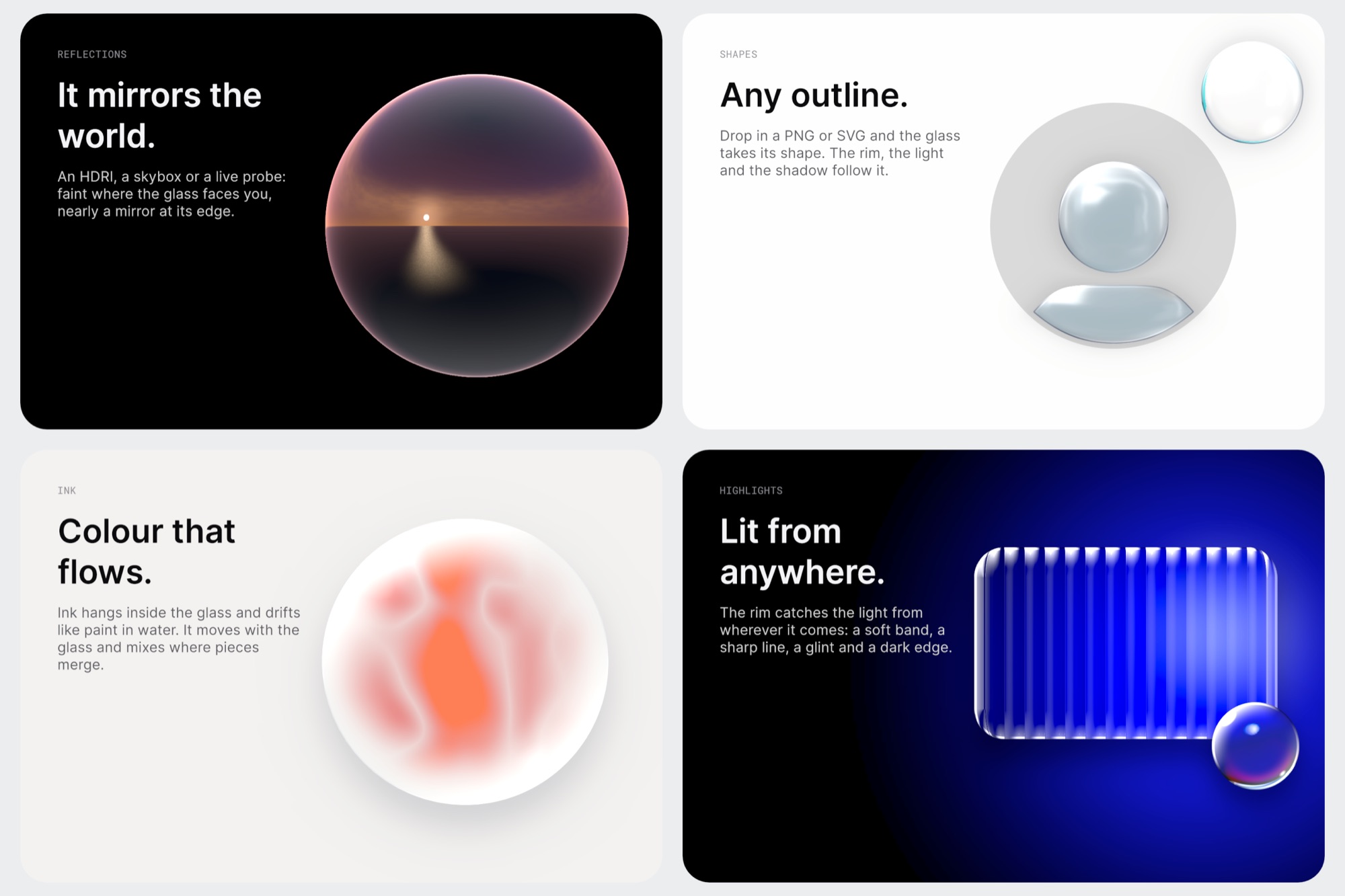
Every image here is XGlass rendering in Unity. Pages 01 to 05 are the demo scene that comes with the package.
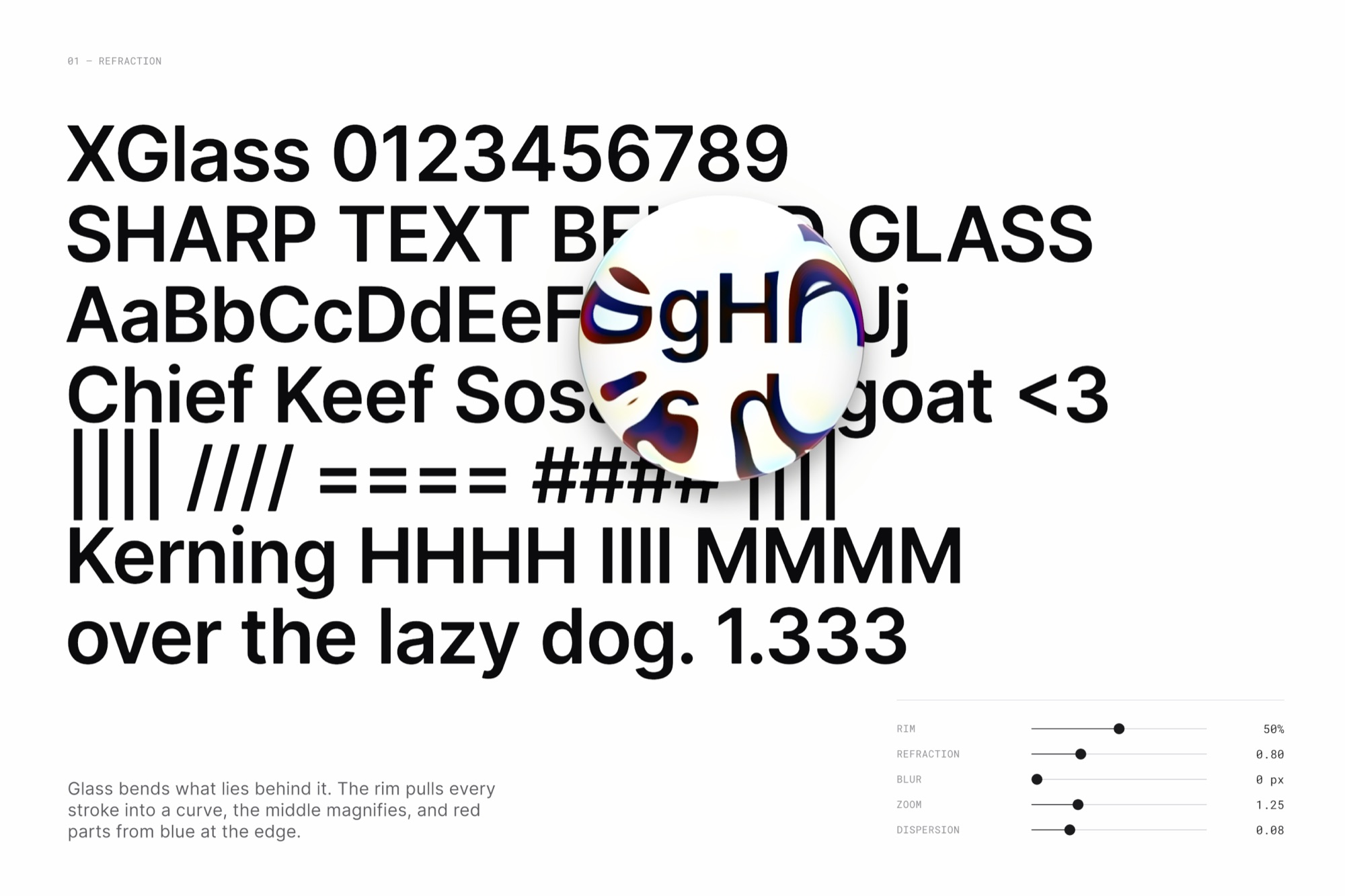
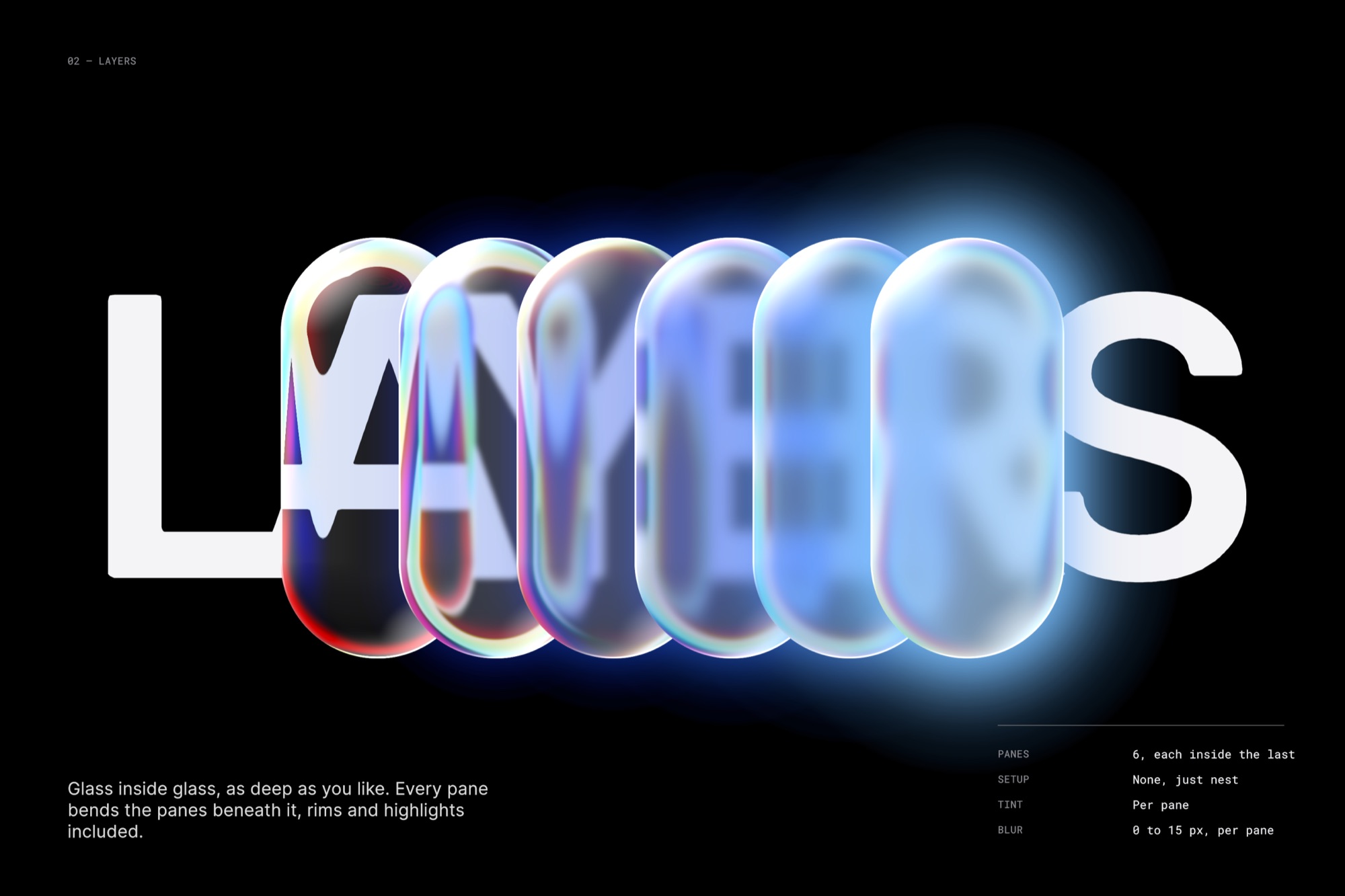
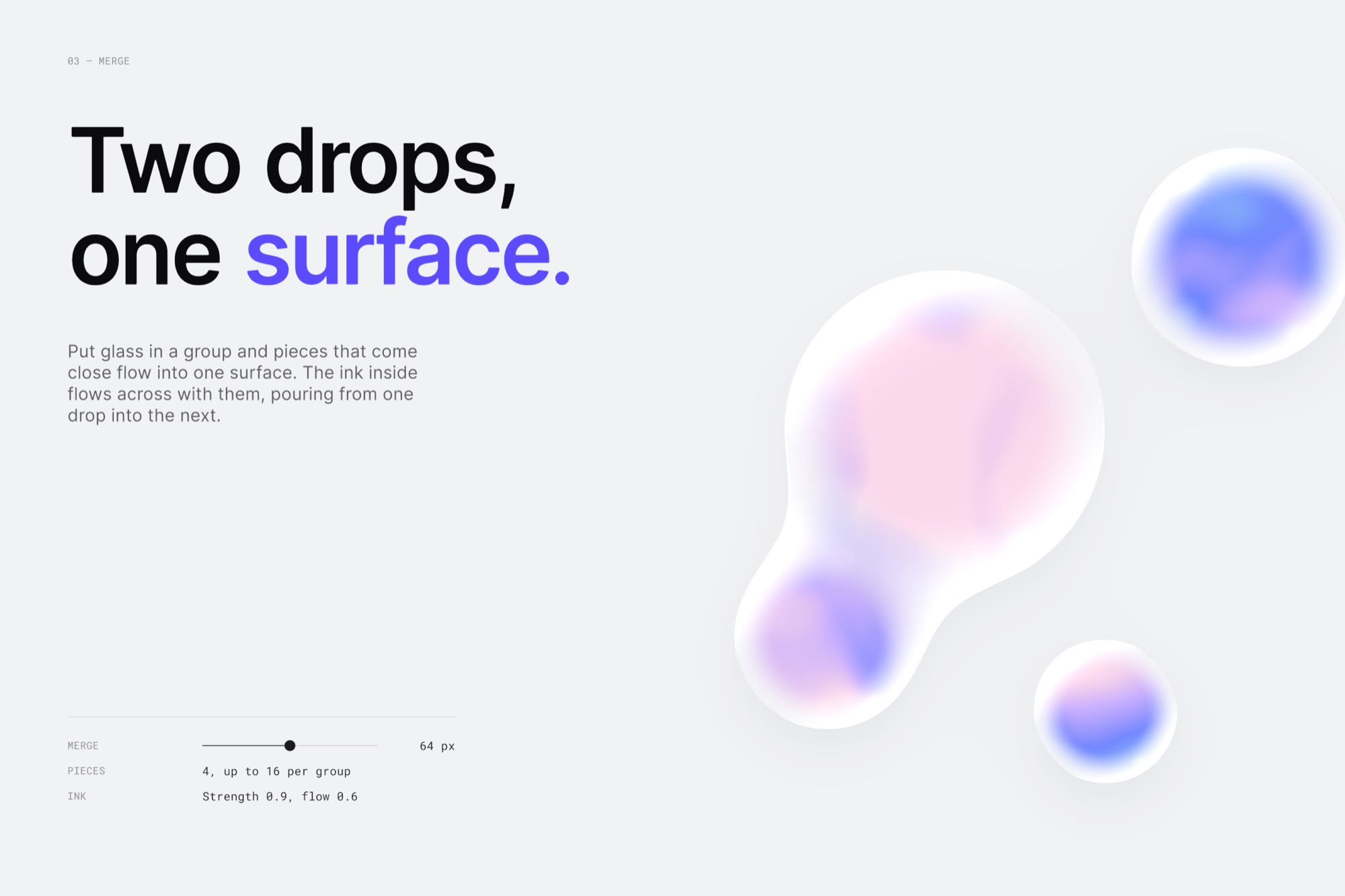
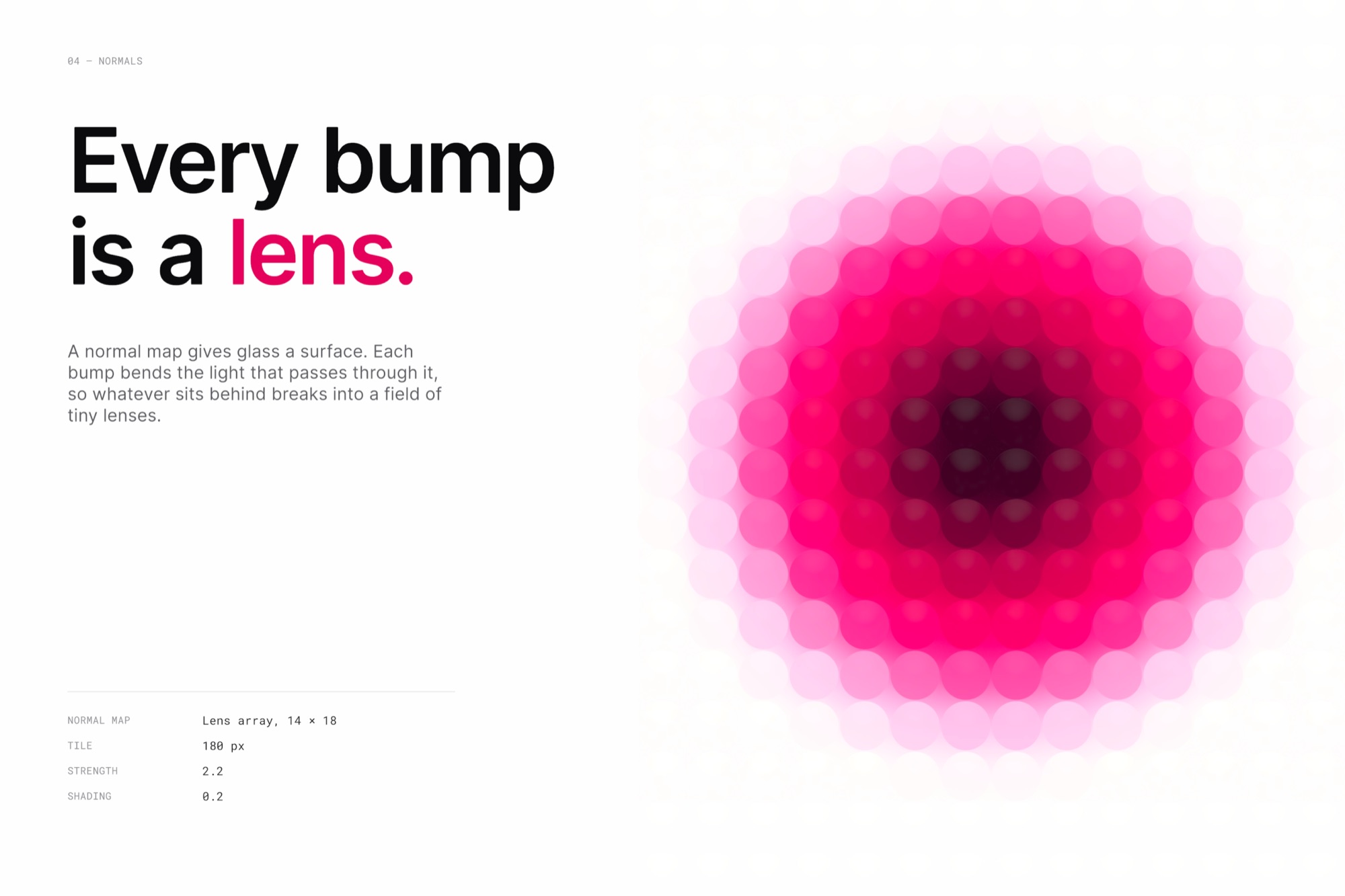
In the package
What you get.
- XGlass
- A pane of glass. Rounded by its border-radius, or cut to any outline baked from a PNG or SVG.
- XGlassGroup
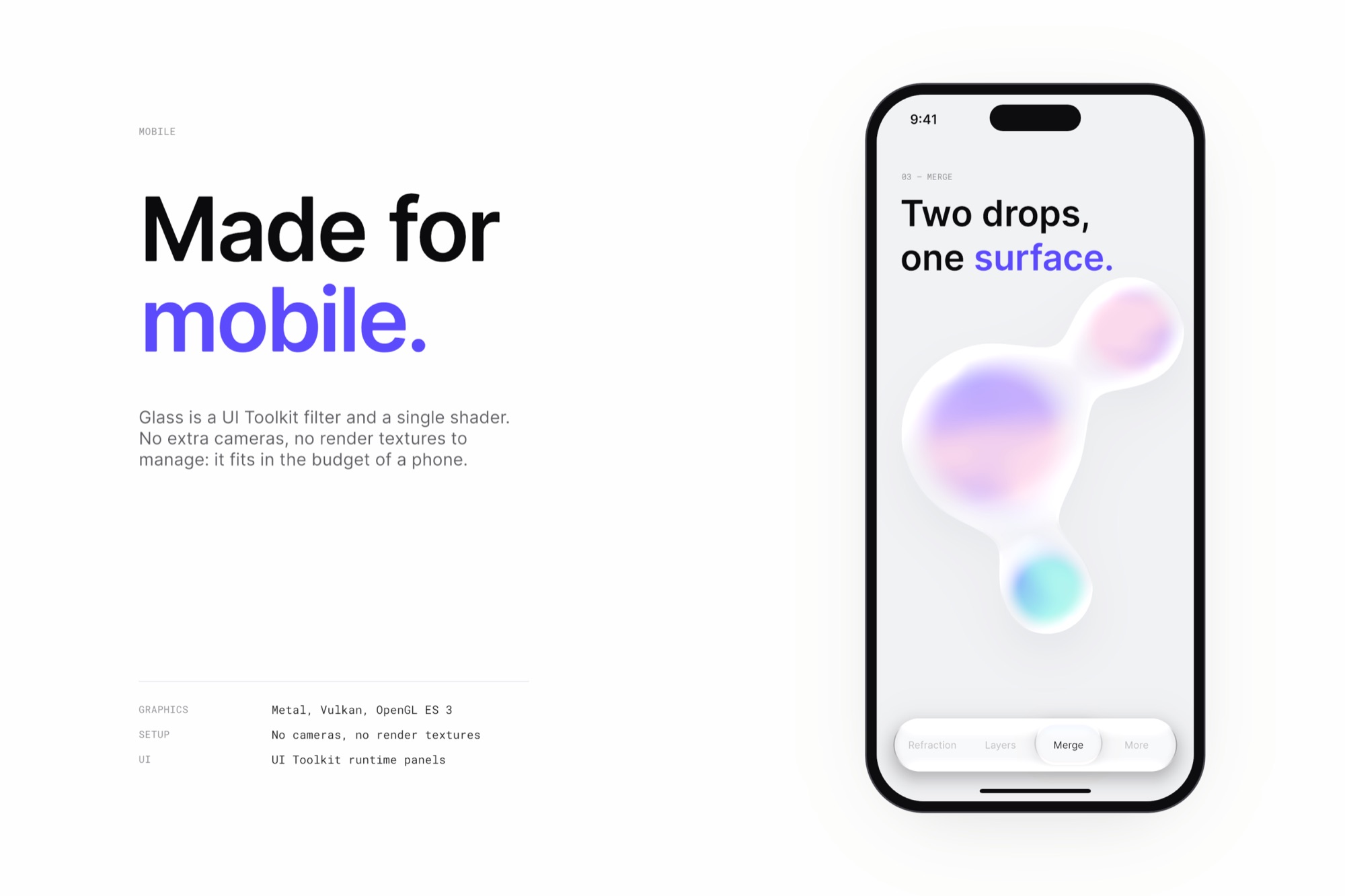
- Glass inside it melts together where pieces come close, up to 16 per group. Each piece keeps its own look, and their inks mix.
- Glass Profiles
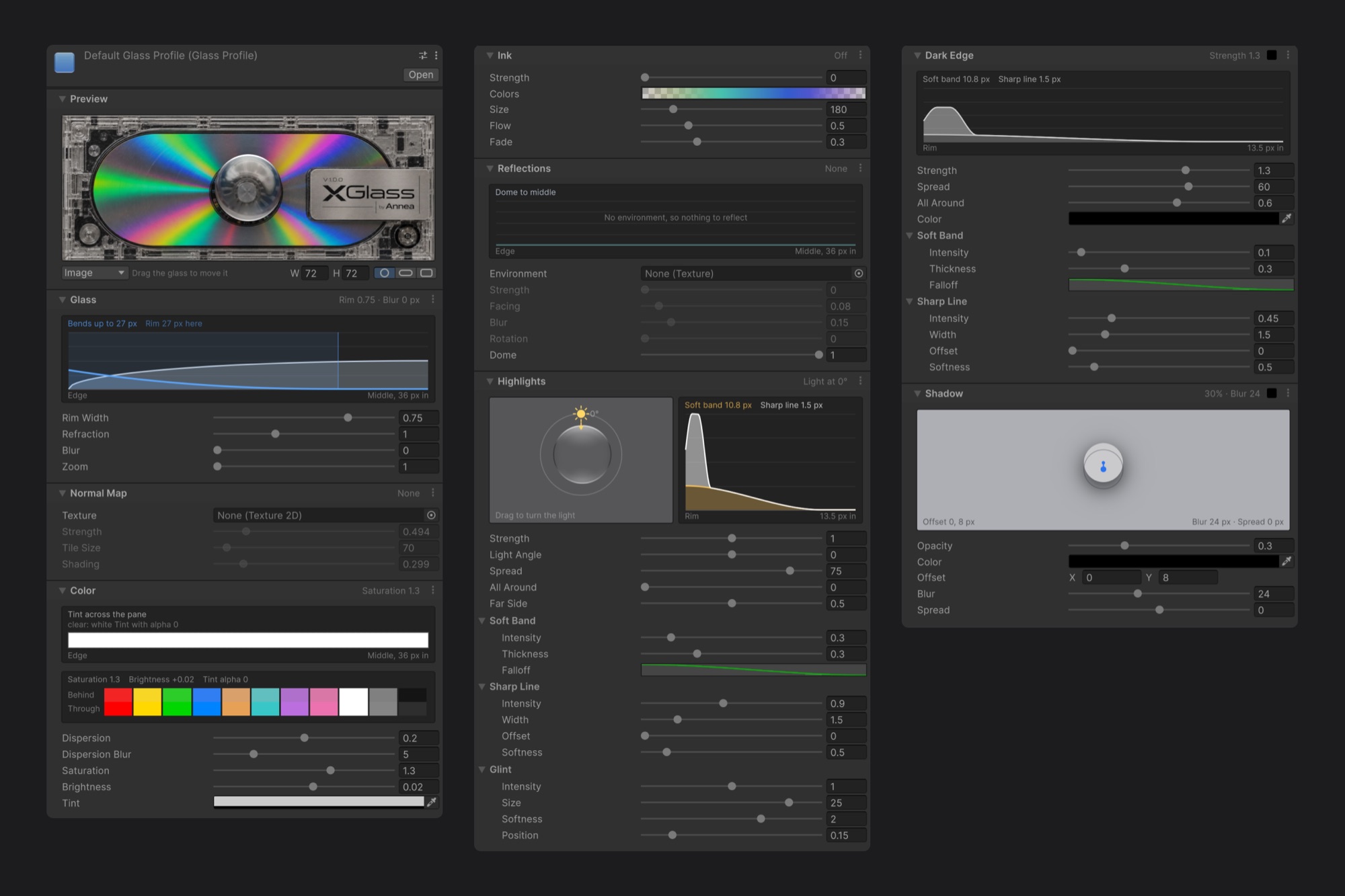
- A complete look in one asset: glass, normal map, colour, ink, reflections, highlights, dark edge and shadow.
- Overrides
- Change single values per element with UI Builder sliders, UXML attributes, USS custom properties or C#.
- Glass Shapes
- Bake a PNG or SVG into an outline. The rim, the light and the shadow follow it. Bake at runtime from code, too.
- Ink
- Colour suspended in the glass. It drifts like paint in water and moves with the glass.
- Reflections
- A cube map, an HDRI or a live reflection probe. Faint where the glass faces you, nearly a mirror at its edge.
- Normal maps
- Hammered, frosted or lens-array surfaces that bend what's seen through the glass and catch the light.
- Demo scene
- Five pages that tour the features, and a liquid drag manipulator you can reuse in your own UI.
- User guide
- 34 pages on every setting, the USS properties, scripting and troubleshooting. It ships in the package, and you can read it here as a PDF.
Quick start
Glass in four steps.
The user guide covers the rest: every setting, the USS properties, scripting and troubleshooting.
Read the user guide PDF · 34 pages · 9 MB- Open a UXML document in UI Builder.
- In the Library, open Project › XGlass and drag XGlass into your hierarchy.
- Give it a size and a border-radius. On a square box, 50% makes a round lens.
- Put something colourful behind it.
- Unity
- 6.3 or newer
- UI
- UI Toolkit runtime panels and editor windows
- Graphics
- Metal, Vulkan, OpenGL ES 3
- Setup
- No GameObjects, cameras or render textures
<XGlass.XGlass zoom="1.3" dispersion="0"
tint="#BFE3FF00" />/* All buttons heavier */
.my-button {
--glass-refraction: 1.8;
--glass-rim-width: 0.6;
}var glass = new XGlass.XGlass { profile = myProfile };
glass.zoom = 1.3f; // This element only
root.Add(glass);Support
Questions and bug reports.
support@example.com
Write with your Unity version, your render pipeline and a screenshot if something looks wrong.
- Glass is invisible
- Run Tools › XGlass › Repair Setup. It recreates the filter assets, the settings asset and the default profile if any are missing.
- A USS override does nothing
- Check the property name, and that the rule matches the element. UI Builder's matching selectors list helps.
- Glass in a group won't merge
- Check that merge-distance is above 0 and that no other XGlass sits between the glass and the group.